How EHSTracks EHS Compliance Inspection Software Works

EHSTracks is built around a four-step workflow that replaces paper-based compliance inspection processes with a mobile, cloud-based system. Whether you’re managing a SPCC inspection program, conducting LDAR monitoring surveys under 40 CFR Part 63, completing quarterly stormwater SWPPP inspections, running RCRA hazardous waste checks, or standardizing OSHA safety audits — the workflow is the same: configure your program once, execute inspections in the field, track corrective actions to resolution, and get compliance documentation automatically.

This page walks through how that works in practice, from initial setup through inspection execution and reporting.

Step 1 — Configure Your Facility & Inspection Program

Before any inspections happen, EHSTracks is configured to match your facility’s physical layout, regulatory requirements, and existing inspection program structure. This is the setup step that makes the rest of the workflow work — and it happens once, with updates made as conditions change.

What configuration covers:

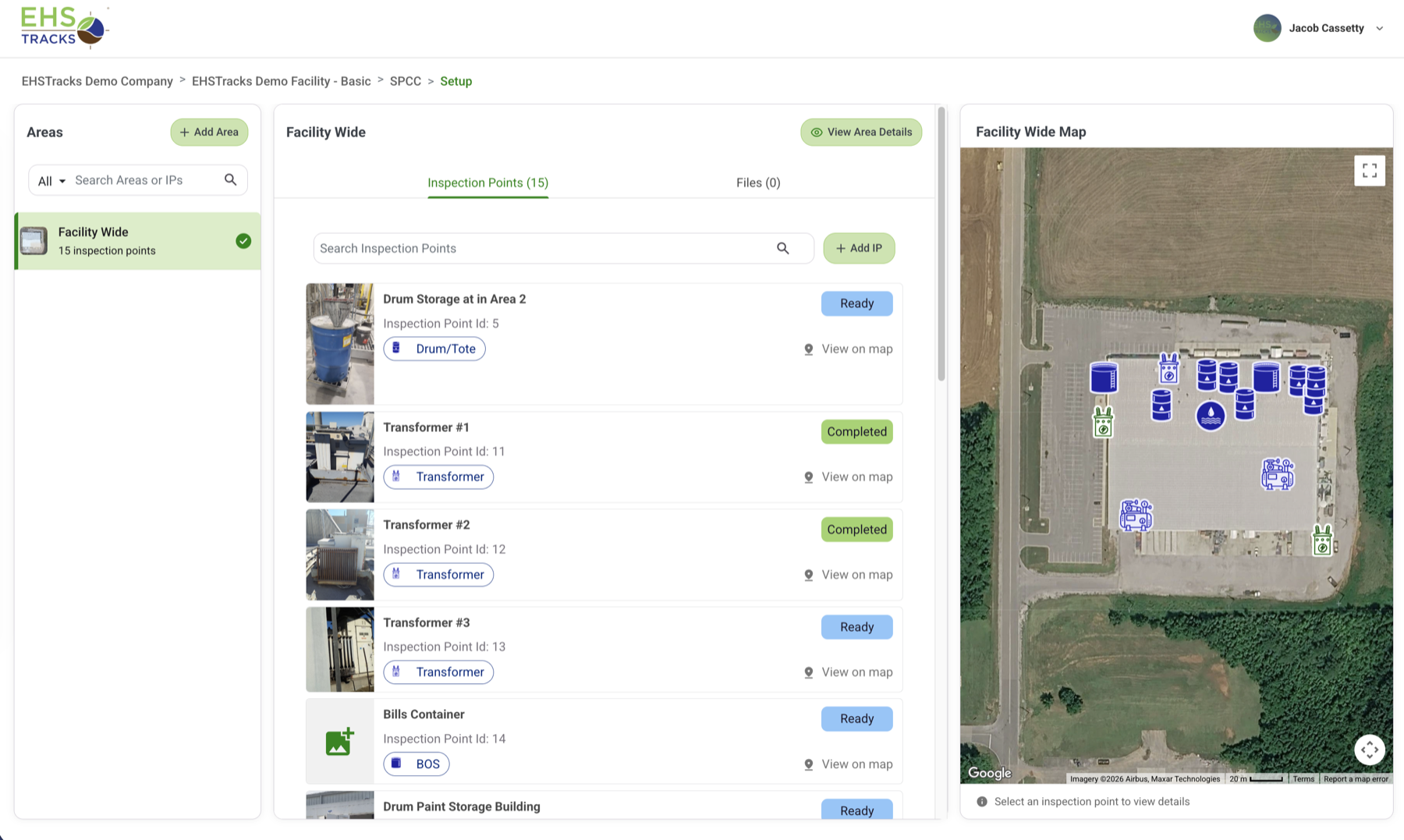
  • Facility setup: Add your locations, buildings, process units, and inspection areas — the geographic structure that inspection records will be attached to
  • Asset and component inventory: For asset-level programs (fire extinguishers, LDAR components, oil storage containers), import or build the inventory that inspectors will work from
  • Dynamic Inspection Questions by Asset Type: Build or configure checklists for each inspection type — monthly SPCC facility inspections, quarterly SWPPP visual monitoring, weekly hazardous waste storage area checks, NFPA mandated fire extinguisher safety inspections. Once your inventory is in our system, the inspection is configured to show you the questions mandated by regulatory requirements and inspection points that apply to that program
  • Inspection frequencies: Define how often each inspection type is required — daily, weekly, monthly, quarterly, annual — and assign responsibilities to inspectors or teams
  • Corrective action workflows: Configure due-date rules, priority classifications, and escalation contacts for deficiencies found during inspections

A real example: Configuring a SPCC program means adding each secondary containment structure, AST, and oil storage area as an inspection point; uploading the current oil container inventory with volumes; building the daily visual, monthly facility, and annual inspection templates to match your SPCC plan’s specific requirements; and assigning inspection responsibilities by area or shift.

After configuration, inspectors open their assigned program on their phone and it tells them exactly what to inspect, at what frequency, and with what checklist. The structure is built in, not left to individual interpretation.

Step 2 — Complete Inspections in the Field (Mobile App)

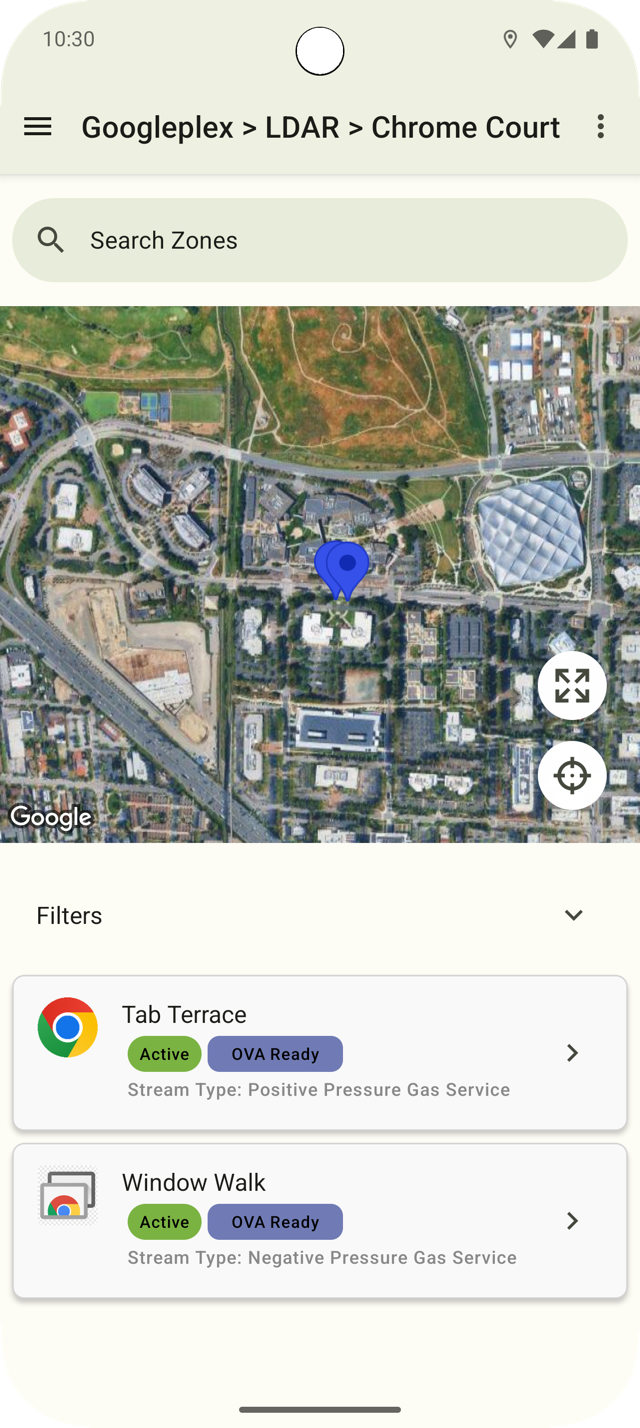
EHSTracks inspectors use the iOS or Android mobile app to complete inspections at the inspection location. No paper forms, no clipboards, no end-of-shift data entry.

How field inspections work:

  • The inspector opens their assigned inspection route or inspection item in the app — every required inspection for the current period is listed with its due date and status
  • The app presents the checklist for the inspection type at that location
  • The inspector completes each checklist item in the field: pass/fail selections, measurement values (ppm readings, temperature readings, liquid levels), photo attachments, and notes
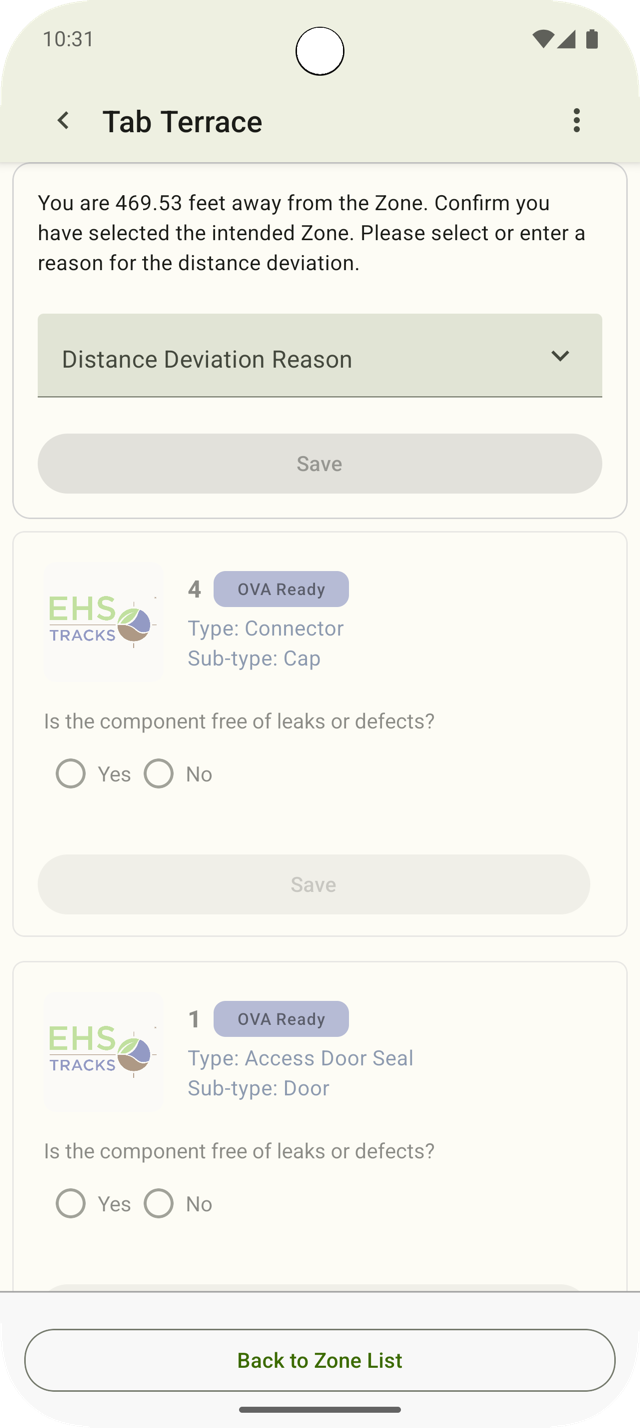
  • GPS location verification stamps each inspection with the inspector’s GPS coordinates at the time of completion — confirming the inspector was physically at the location, not submitting remotely
  • When a deficiency is found — a failed check item, an out-of-spec reading, a damaged component — the inspector logs it directly in the app, and a corrective action record is created automatically
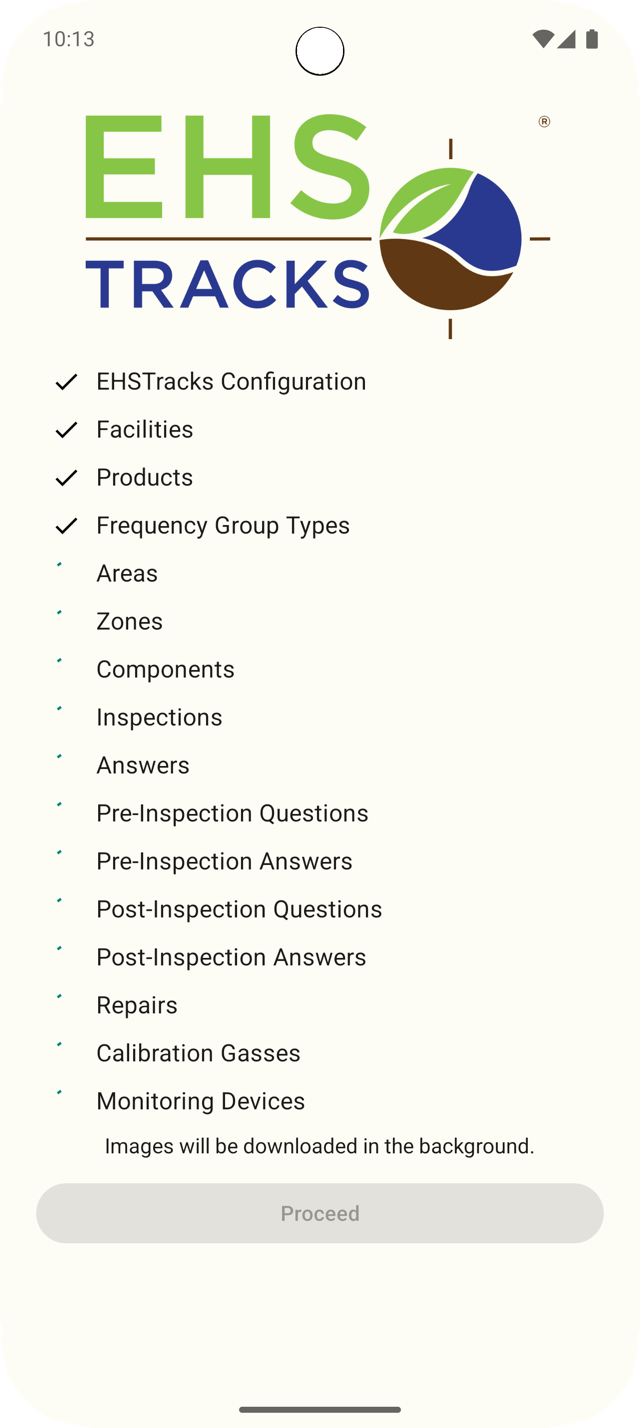
  • Offline mode: The app works without cell coverage. Inspections completed in areas with no signal (process units, tank farms, indoor manufacturing areas) sync to the cloud automatically when connectivity is restored

A real example: An LDAR inspector conducting Method 21 surveys on a 200-component route opens the monitoring route in the app, works component by component through the unit, enters the background concentration and screening reading for each component, and the app flags any reading that exceeds the applicable leak threshold automatically. Three components exceeding threshold are flagged as leaking and corrective action records are created before the inspector finishes the route.

Every completed inspection record is timestamped, GPS-verified, signed by the inspector, and stored in the cloud. No reconstruction from memory. No disputed records.

Step 3 — Corrective Action Tracking

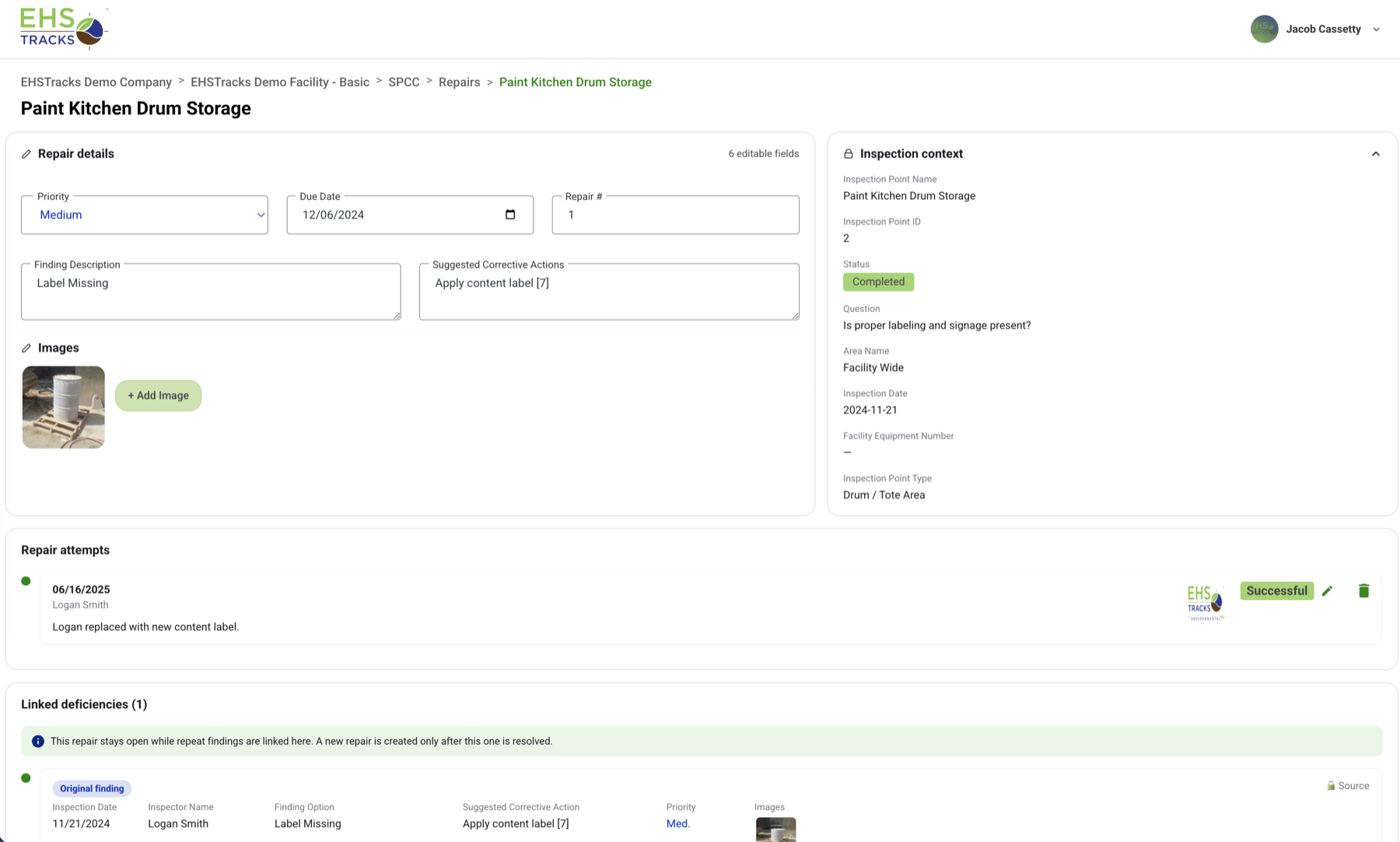
Deficiencies found during inspections don’t disappear into a binder. Every finding in EHSTracks creates a corrective action record automatically — tied to the specific inspection, the specific asset or location, and the specific checklist item that generated it.

How corrective action tracking works:

  • When a deficiency is logged during an inspection, a corrective action record is created with the deficiency description, date identified, and the inspection record it originated from
  • The corrective action is assigned to a responsible party with a due date and priority classification — the inspector can assign it in the field or it routes to a supervisor for assignment
  • Status tracking follows the corrective action from openin progresspending verificationverified closed, with documentation requirements at each stage
  • Responsible parties receive notifications when they’re assigned a corrective action and again when the due date is approaching
  • Completion documentation — photos of the repaired condition, contractor invoices, re-inspection results — is attached directly to the corrective action record
  • Overdue corrective action alerts flag items that have passed their due date to the EHS manager and the assigned responsible party — before a missed deadline becomes a regulatory problem
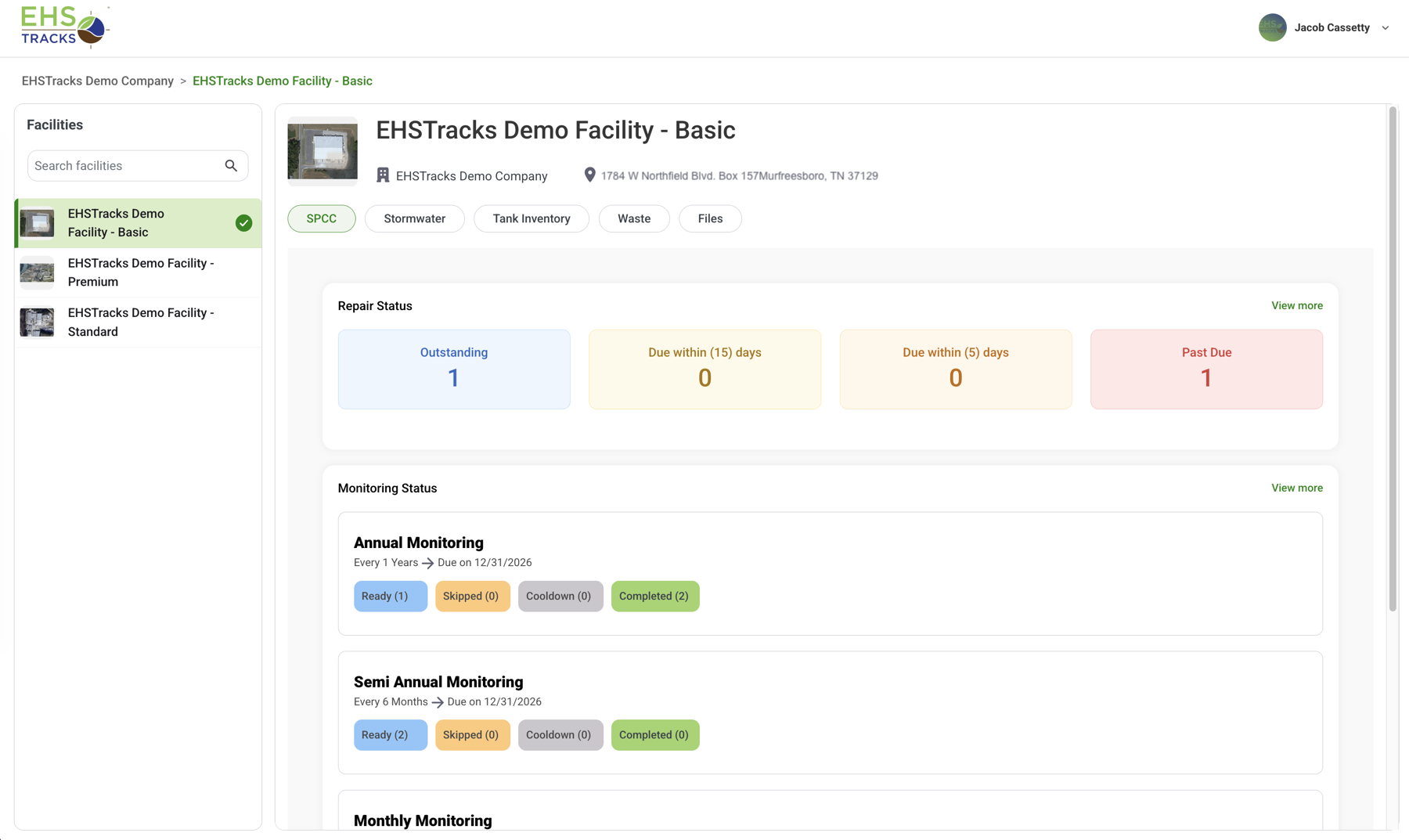
  • Management dashboard shows all open corrective actions across all programs and facility areas, organized by priority and days since identification

The corrective action system closes the gap between finding a problem and proving it was resolved and is hard proof for regulators that your program is functioning.

Step 4 — Compliance Reporting & Documentation

After inspections are completed and corrective actions are tracked, EHSTracks generates compliance documentation from the operational data already in the system. There’s no separate data entry step for reporting.

What compliance reporting produces:

  • Inspection records in PDF or CSV — complete with checklist responses, GPS coordinates, inspector credentials, timestamps, and attached photos
  • Corrective action logs — full history of every finding, assignment, status update, and resolution, with documentation attached
  • Compliance summary reports by program type, facility area, inspection period, or date range
  • Audit-ready packages — documentation formatted to align with what EPA, OSHA, or state agency reviewers request during compliance inspections
  • Scheduled reports for recurring compliance submissions — MSGP annual reports, biennial hazardous waste reports, or internal management dashboards

A real example: At the end of Q2, a SWPPP compliance coordinator needs the quarterly visual monitoring inspection records for NPDES permit recordkeeping. In EHSTracks, they filter by inspection type, facility, and date range, export the records, and have a complete, properly formatted set of quarterly inspection documentation in minutes — not assembled from a collection of paper logs and spreadsheets.

Every record in EHSTracks is audit-ready from the moment it’s created. When an inspector from EPA or a state agency arrives, the documentation package doesn’t need to be assembled — it’s generated on demand.

EHSTracks Compliance Programs

The four-step workflow applies across every EHSTracks compliance program. Each program is purpose-built for its regulatory context:

  • SPCC inspection software — Spill prevention inspections, secondary containment tracking, and oil container inventory under 40 CFR Part 112
  • LDAR inspection software — Method 21 surveys, component inventory, leak detection thresholds, and repair deadline tracking under 40 CFR Parts 60 and 63
  • Stormwater inspection software — SWPPP inspections, BMP effectiveness assessments, and NPDES compliance documentation under EPA MSGP
  • Waste compliance software — Hazardous waste storage area inspections, container inventories, manifest management, and RCRA reporting
  • Safety inspection software — OSHA compliance inspections and audits, fire extinguisher and exit sign programs, machine guarding, and corrective action tracking

Frequently Asked Questions

How long does it take to get started with EHSTracks?

Most EHSTracks customers complete initial configuration and conduct their first inspections within 2–4 weeks of onboarding. The timeline depends on program complexity — a single SPCC program at one facility configures faster than a multi-program, multi-site implementation. EHSTracks’ onboarding team works with your EHS staff to build initial inspection templates, import existing asset inventories where applicable, and configure the programs relevant to your facility. Training for field inspectors typically takes less than an hour — the mobile app is built to be self-explanatory in field conditions, not a system that requires classroom training before use.

Does EHSTracks work without cell coverage in the field?

Yes. EHSTracks is designed for industrial facilities where cell coverage in process areas, tank farms, and large outdoor inspection routes is unreliable. The mobile app operates in offline mode — inspectors complete full inspection routes without connectivity, and all data (checklist responses, GPS coordinates, measurements, photos) is stored locally on the device. When the device returns to an area with connectivity, records sync to the cloud automatically. No readings are lost and no re-entry is required. GPS coordinates are captured at the time of the inspection even when the device is offline.

Can EHSTracks be configured to our existing inspection checklists?

Yes. EHSTracks’ inspection template builder is designed to replicate your existing checklists — including the specific items, question types, response formats, and documentation requirements your programs currently use. If you have paper forms, Word documents, or PDF checklists you’ve developed for your facility, EHSTracks replicates that structure in digital form. For programs with regulatory checklist requirements (MSGP quarterly visual monitoring, NFPA 10 fire extinguisher templates), EHSTracks provides pre-built templates that you can customize to your facility’s specific inspection points. You don’t start from scratch — you start from your existing program.

How does EHSTracks handle multiple facilities or multiple compliance programs?

EHSTracks is designed for multi-facility, multi-program environments. Each facility has its own configuration — inspection templates, asset inventories, corrective action workflows — while all facilities are accessible to corporate EHS oversight from a single login. A corporate EHS director can see inspection completion rates, open corrective actions, and recent compliance findings across the entire facility portfolio in one dashboard. At the program level, EHSTracks supports running SPCC, LDAR, stormwater, waste, and safety programs simultaneously at the same facility — each with its own inspection schedule, templates, and reporting, all feeding into the same corrective action tracking system.

Ready to walk through how EHSTracks would work for your specific compliance programs? Contact us to schedule a demo and configure a program built for your facility.